Heat Math Before Summer: Budgeting Thermal Load in a Crowded Modem Rack

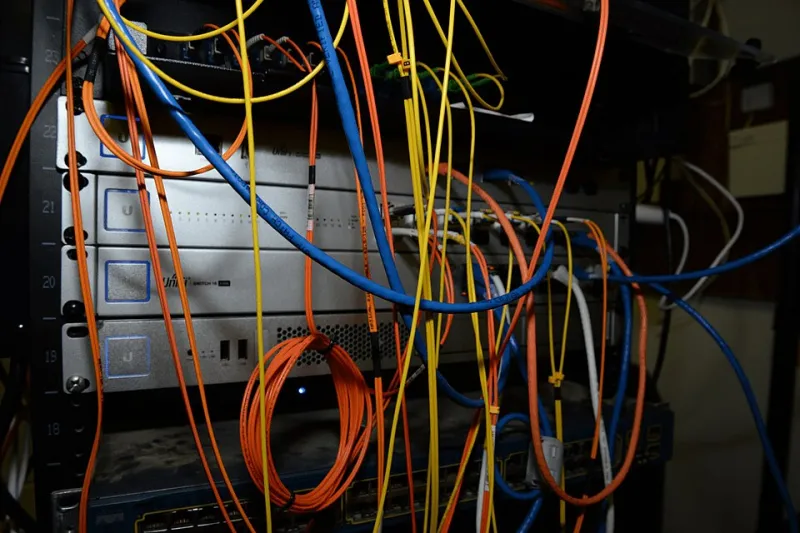
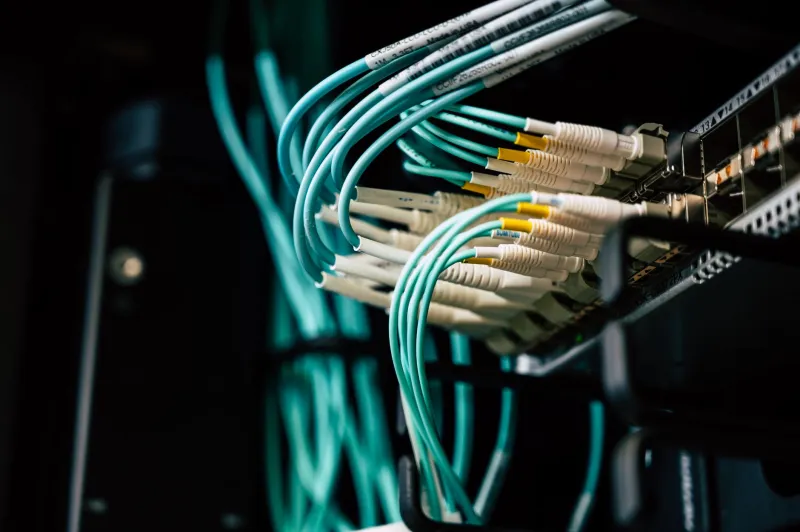
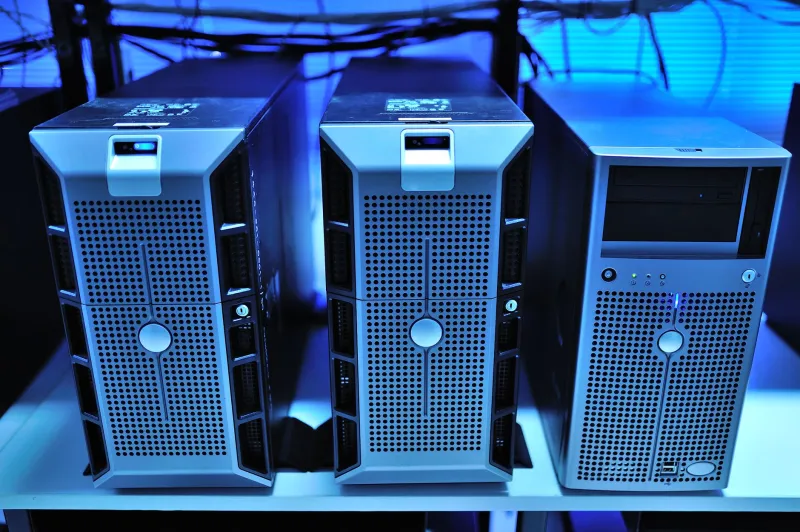
Photo: dense modem rack with cooling fans and temperature sensor in small server room, via 3.bp.blogspot.com
Every modem farm has that one rack. The one where someone bolted on a $15 box fan, called it airflow, and hoped summer would be polite. Then July shows up, the rack starts rebooting modems at random, and everyone pretends the problem is firmware. It usually is not. It is heat, and heat is a math problem you can solve before the first 100°F afternoon.
This is not a lecture about data center hot aisles. This is a practical heat budget for a crowded modem rack in a small US room, closet, garage, or colo cage. The goal is simple: know how many watts you are dumping into the room, how much the air heats up on the way through the rack, and whether your cooling plan is a real plan or just optimistic fan placement.
Start with watts, not vibes
You cannot cool what you have not counted. Pull the spec sheets or measure it. For a typical USB modem or small LTE router, idle draw might be 2–4 watts, with busy-state draw closer to 5–10 watts. A 200-modem rack at 5 watts average is already 1,000 watts before switches, USB hubs, single-board computers, and power-supply losses.
Build the budget in layers:
- Modems: count them, multiply by a realistic average. Do not use idle numbers if the rack runs SMS or data traffic all day.
- Networking and compute: switches, hubs, SBCs, NUCs, and any always-on monitoring box.
- Power supplies: add 10–20% for AC/DC conversion losses. A 1,000-watt DC load on 85% efficient supplies is roughly 1,176 watts at the wall.
- Fans and accessories: small, but not zero.
A worked example: 200 modems × 5W = 1,000W. Switch and hubs = 120W. Compute = 80W. Subtotal = 1,200W. Add 15% PSU loss = about 1,380W at the wall. Multiply by 3.412 to get BTU/hour: roughly 4,700 BTU/h. That is your heat load. Not the modem count. Not the rack height. The watts.
Derating is not optional
Cheap power supplies and modem bricks are often rated at 25°C or 30°C ambient. Put them in a closed closet at 95°F and they will not deliver the same output forever. Derating curves are boring, but they explain why a 5A supply that worked in January starts browning out in August. Leave headroom. If your total load is 1,200W, do not run a 1,200W supply at 100% in a hot room. Aim for 70–80% maximum load at your worst expected inlet temperature.
Modems themselves also get grumpy. Radios can throttle, USB stacks can drop, and cheap capacitors age faster when they live hot. You do not need lab data for every model. You need a rule: if the inlet air is above 85°F for long stretches, your margin is shrinking.
Inlet temperature rise and airflow
Airflow is not about how much the fan moves in free space. It is about how much air actually passes through the gear. The common field formula is simple:
CFM ≈ BTU/h ÷ (1.08 × ΔT°F)
Using the 4,700 BTU/h example, a 10°F rise needs about 435 CFM. A 15°F rise needs about 290 CFM. If your room inlet is 80°F and the air leaving the rack is 95°F, you have a 15°F rise. That may be fine. If the room inlet is already 90°F, the same rise puts you at 105°F and you are now running a small appliance oven.
The trap is measuring only rack exhaust. Measure room inlet, rack inlet, and rack exhaust. A $25 digital thermometer with a remote probe is enough to start. Put one sensor at the bottom front of the rack, one at the top rear, and one in the room away from the rack. Log the numbers for a week. If the rack inlet is 10°F above room temperature, you have a recirculation problem, not just a cooling problem.
Small rooms are hot-aisle traps
A closet with one door and no return path is a hot-aisle trap. Air goes in, heats up, and has nowhere to go. Fans at the back of the rack just stir the same hot air. Fix the path before you buy a bigger fan: leave a lower intake path, seal gaps that pull hot exhaust back to the front, and give the rack a clear exhaust route. In a garage, watch for summer stratification — the top of the rack can be 15°F hotter than the floor. In a colo, ask what the actual inlet temperature is at your cabinet, not what the sales sheet says.
Also check for the classic own-goal: a rack positioned near a water heater, dryer, or west-facing garage wall. Ambient heat is part of your budget. If the room itself hits 95°F in July, no amount of rack fan magic will fix it.
Cheap monitoring that actually helps
You do not need a DCIM platform for one rack. You need alerts. A Wi-Fi or Ethernet temperature sensor with email or webhook alerts costs $30–$80. Put one at the rack inlet and one near the exhaust. Set an alert at 85°F inlet and another at 95°F. Check the trend, not just the peak. A slow climb from 78°F to 88°F over two hours tells you the room AC is losing ground.
Pair that with modem-level health checks. If reboots cluster between 2 p.m. and 5 p.m. on hot days, you have your answer. Do not chase SIM registration errors until you have ruled out inlet temperature.
When to buy cooling, and what kind
For a 4,700 BTU/h load, a small 9,000 BTU/h mini-split is usually oversized, but it will hold a closet or small room easily. A dedicated exhaust fan pulling hot air out of the room can work if the room has a makeup-air path and the outdoor air is not hotter than the room. A portable AC is often a bad fit for a rack room because it dumps heat somewhere and needs drainage.
The money question is simple. If a mini-split costs $2,000 installed and saves you from cooking a $4,000 modem rack every other summer, it is cheap insurance. If you are in a colo, ask about additional cooling or a cabinet fan tray before you add another 100 modems. Exhaust is cheaper than replacement hardware, but only if it actually moves room air out rather than recirculating it.
The pre-summer checklist
Count watts at the wall. Add PSU losses. Convert to BTU/h. Measure inlet and exhaust temperature rise. Calculate CFM. Fix recirculation before adding fans. Set alerts at 85°F and 95°F inlet. Derate supplies to 70–80% at worst-case room temperature. Then decide whether you need a mini-split, an exhaust path, or just fewer modems in that closet.
Your fans are not a thermal strategy. They are one part of an airflow path. The budget is the strategy, and doing it in November is a lot cheaper than learning it in July.