Two Hundred SIMs, Zero Surprises: The Weekly Ritual That Keeps a Modem Farm Humming
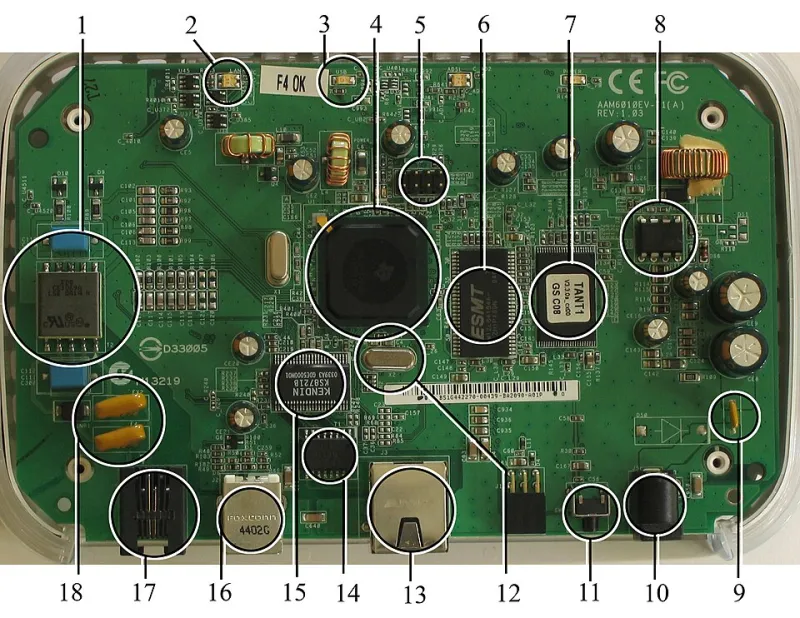
Photo: User Mike1024 on en.wikipedia, Public domain, via Wikimedia Commons
Modem farms fail slowly, then all at once. A SIM deactivates here, a USB hub browns out there, and six weeks later half your pool is dead and you can't figure out when it happened. The fix isn't better hardware — it's a boring, repeatable weekly routine. Here's the one I run, refined over a few years of managing multi-modem GSM setups. Steal it.
The Weekly Checklist
1. Verify every SIM is still registered to the network. Script a loop that queries each modem for registration status (AT+CREG? if you're speaking raw AT commands) and flags anything that's not camped on a cell. Deactivated SIMs are the number one silent killer of SMS pools.
2. Check signal quality per modem. Log RSSI and BER for every device. A modem that dropped from -75dBm to -105dBm has an antenna problem or a carrier issue brewing. Trend it week over week rather than trusting a single snapshot.
3. Rotate SIMs against your activation schedule. Carriers deactivate SIMs after periods of inactivity — usually 60 to 90 days, sometimes less for prepaid. Keep a database of last-use timestamps and schedule traffic through dormant SIMs before the carrier does it for you.
4. Audit your send volumes against carrier thresholds. If a SIM suddenly sends 500 messages when it normally sends 50, something's wrong — either a routing bug or abuse. Carriers throttle or ban on velocity anomalies, so beat them to it.
5. Inspect temperatures at the enclosure level, not the room level. Modem ICs run hot, and USB hubs in cramped enclosures cook. Stick a $10 thermal sensor per shelf or enclosure and alert at 60°C. Thermal throttling looks suspiciously like random packet loss if you're not watching for it.
6. Physically check USB connections monthly, but verify bus stability weekly. Run dmesg (or Event Viewer on Windows) and grep for USB disconnect storms. A flaky hub that resets one modem every few hours will corrupt your logs and your sanity.
7. Test your USB bus reset automation. This is the one that saves your weekend. Write a watchdog script that detects an unresponsive modem and cycles its USB port using uhubctl or a managed PDU. Then actually test the script — pull power on a modem and confirm the watchdog recovers it. A reset script you've never tested is a wish, not a tool.
8. Scan logs for AT command errors. CMS errors in the 300-500 range tell you about network-side rejections. Spikes in specific error codes usually mean a carrier policy change landed without anyone telling you.
9. Check throttling baselines. Send a test message through a sample of SIMs and measure delivery latency. If your median delivery time crept from 3 seconds to 30, a carrier is rate-limiting you. Better to notice on Tuesday than when a customer notices on Saturday.
10. Rotate and back up your SIM inventory database. SIM ICCIDs, activation dates, carrier, and last-use timestamps should live somewhere that survives a dead server. A CSV on a git repo beats a spreadsheet on someone's laptop.
11. Update and reboot on schedule, not on crisis. Modem firmware and your gateway software (Gammu, SMSTools, Kannel, or whatever you run) should get a planned maintenance window. Firmware updates in particular fix modem-specific bugs that cause the phantom disconnects you've been chasing for months.
Tooling That Does the Heavy Lifting
You don't need a fancy NMS. A cron job, a Python script with the pyserial library, and a Telegram or Slack webhook for alerts covers 90% of this checklist. For larger deployments, Prometheus with a custom exporter per modem gives you graphs that make trend-spotting trivial — and Grafana dashboards make you look very competent during incident reviews.
Why Weekly and Not Daily or Monthly
Daily checks burn you out and mostly confirm things are fine. Monthly checks let small failures compound into big ones. Weekly is the sweet spot: often enough to catch SIM deactivations and USB degradation early, infrequent enough that the routine actually gets done. Fifteen minutes of checks, an hour if something's off.
The modem farms that last aren't the ones with the best hardware. They're the ones where somebody did task number seven every single week.