Nobody Brute-Forces Your Front Door Anymore — They Go After the SIM Bank
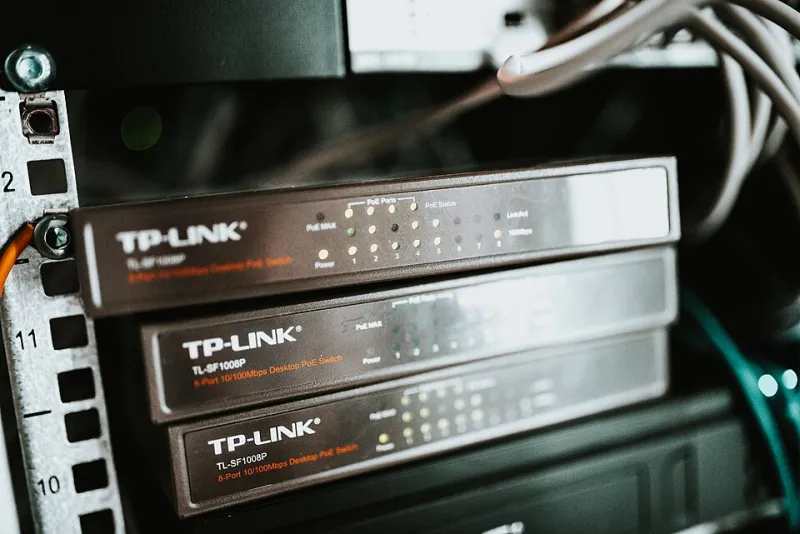
Photo: Shixart1985, CC BY 2.0, via Wikimedia Commons
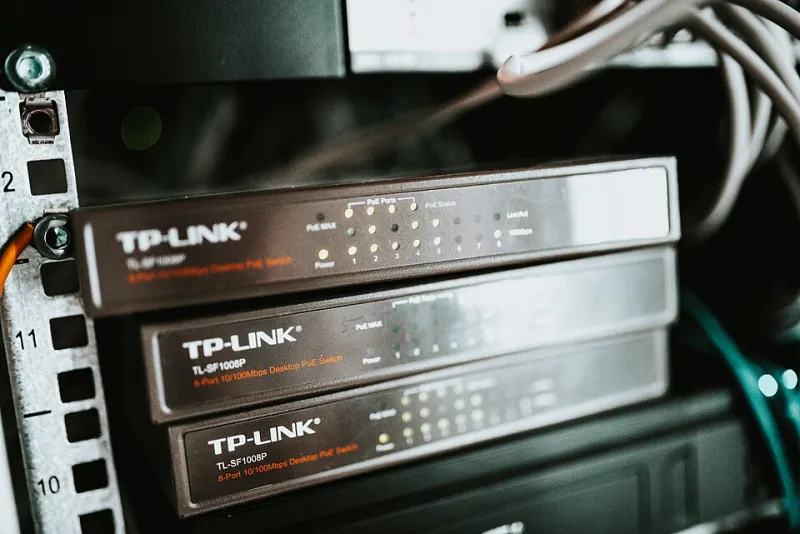
Walk through any colo in Dallas or Ashburn and you'll find them: racks of USB GSM modems humming away, SIM trays loaded, traffic flowing. What you won't find, in most cases, is anyone who's thought seriously about what happens when those racks become a target.
SIM-based GSM termination is a weird business. You're running hardware that's physically valuable (SIMs are literally money), logically exposed (modems are network devices whether you treat them that way or not), and prone to failing quietly (a dead modem doesn't throw an alarm — it just stops answering). Let's fix all three.
Treat Every SIM Like Cash, Because It Is
A loaded SIM bank is a walking ATM. If someone pulls a tray of active SIMs from your rack, they don't just cost you replacement fees — they can receive OTPs, intercept verification traffic, and burn your sender reputation across every carrier in the region.
Physical hardening basics that actually matter:
- Locked chassis, not locked racks. A rack lock stops a stranger; a locked modem enclosure stops the contractor who legitimately has rack access. If your modems are USB dongles in a shelf, zip ties are not a security strategy.
- Serial-number everything. Log every SIM ICCID against a slot position and a modem serial. When something goes missing, you should know what and when within minutes, not after a fraud review.
- Audit tray pulls. Any colo with remote hands can be asked to swap hardware. Require ticketed authorization for any physical touch of a SIM rack, and reconcile inventory after every visit.
The Logical Side: Your Modems Are Listening on the Network
Here's the part that burns people. Those cheap multi-port modem banks ship with management interfaces — Telnet, HTTP, sometimes plain TCP command ports — and operators routinely leave them bound to the public side of a VLAN because it was easier during setup.
An attacker who reaches a modem's AT command interface can read the SIM, reset it, exhaust its PIN attempts (a denial-of-service that looks like hardware failure), or in some firmware, trigger a SIM re-registration that unblocks a temporarily barred card. That last one — SIM unblocking abuse — is genuinely nasty, because it lets a fraudster keep a flagged SIM in rotation past carrier controls.
Minimum viable lockdown:
- Put every modem on an isolated VLAN with no internet egress. Termination traffic goes out the GSM side, not Ethernet.
- Kill Telnet and HTTP. If your vendor only offers Telnet, put an SSH or VPN tunnel in front of it or replace the hardware.
- Change default credentials on day one — and I mean the management interface and the SIM PINs. Default PINs like 1234 or 0000 are the first thing anyone tries.
- Disable PIN retry behavior where firmware allows, and set a PIN you control so a pulled SIM is useless without the code.
Detecting Silent Modem Death
The most expensive failure mode in GSM hosting isn't an attack. It's the modem that quietly dies on a Tuesday and nobody notices until Thursday, when route quality scores have cratered and a client is asking questions.
A modem can fail in ways that don't show up as 'offline':
- Registered to the network but not accepting traffic (firmware hang)
- Cycling registration every few minutes (antenna or power issue)
- Responding to pings but ignoring AT commands (driver-level crash)
So ping monitoring is table stakes and basically useless on its own. What you actually want:
- Per-modem registration state polling. Query
AT+CREG?andAT+CSQon a schedule. Signal strength drifting to zero while registration stays 'OK' is a classic silent failure. - Traffic deltas, not just liveness. If modem 14 normally handles 200 messages an hour and has handled zero for two hours, that's your alert — regardless of what the health check says.
- Quality sampling. Send test messages through a rotating sample of modems and measure delivery latency per route. When one rack's latency doubles, you've found your problem before your counterparties do.
Build the alerting before you need it. A simple script that compares per-modem throughput against a rolling baseline and pages you on a 3-sigma drop will catch 90% of these failures hours earlier than any dashboard glance.
Watch for the Slow Burn: SIM Drain Patterns
Fraud doesn't always look like an attack. Sometimes it looks like your SIMs dying faster than they should. If your average SIM lifespan drops from 90 days to 30, something is chewing through them — aggressive re-registration, someone hammering them with OTP-triggering traffic, or a counterparty using your numbers in ways you didn't agree to.
Track per-SIM message counts, registration churn, and carrier-side flags in one place. When one modem's SIMs consistently burn out faster than its neighbors, investigate that slot specifically. In my experience it's either hardware (flaky power causing re-registration loops) or someone routing traffic you don't know about through that port.
The Boring Stuff That Saves You
Firmware updates on modem banks are miserable, which is why nobody does them, which is why old firmware with known command-injection bugs stays running for years. Schedule it. Batch it. Do it during a maintenance window with a rollback plan.
And document your rack. Slot maps, ICCID inventories, VLAN diagrams, credentials in a proper vault — not a spreadsheet on the ops laptop. The night something goes wrong at 3 AM, the person debugging shouldn't be reverse-engineering your setup from memory.
None of this is glamorous. But a hardened SIM bank with real monitoring is the difference between a bad hour and a bad month.